Headless WordPress with Next.js: When It Wins (and When It Doesn't)
A senior engineer's honest take on headless WordPress with Next.js — when the architecture pays off, when it's overkill, and how to ship it without breaking previews, SEO, or your editors' workflow.

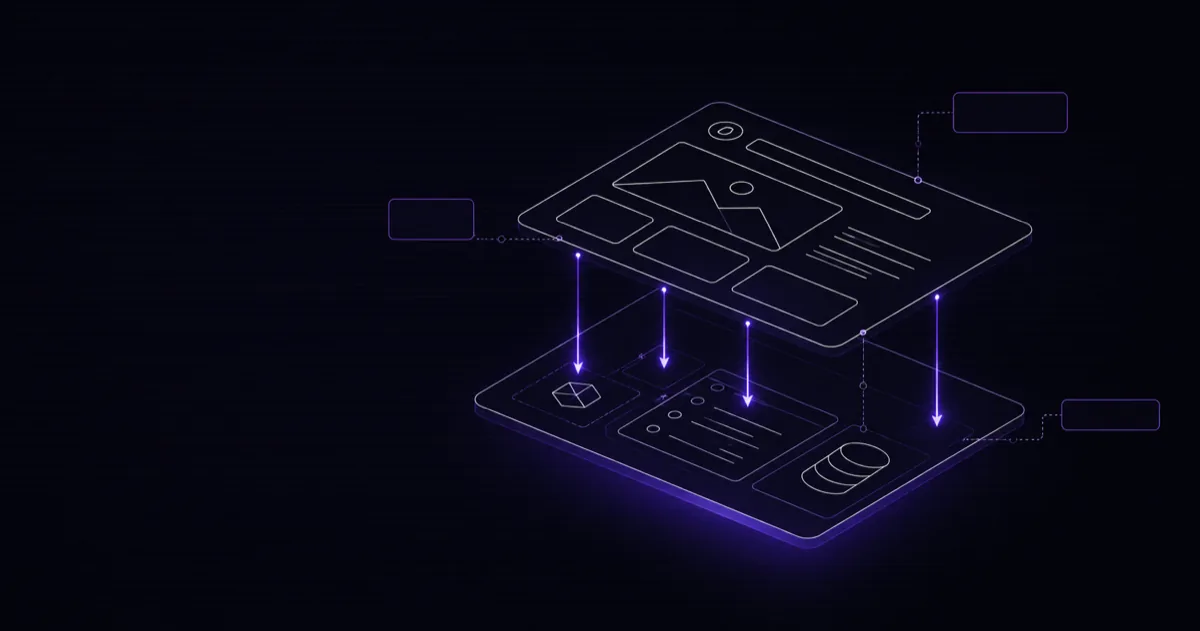
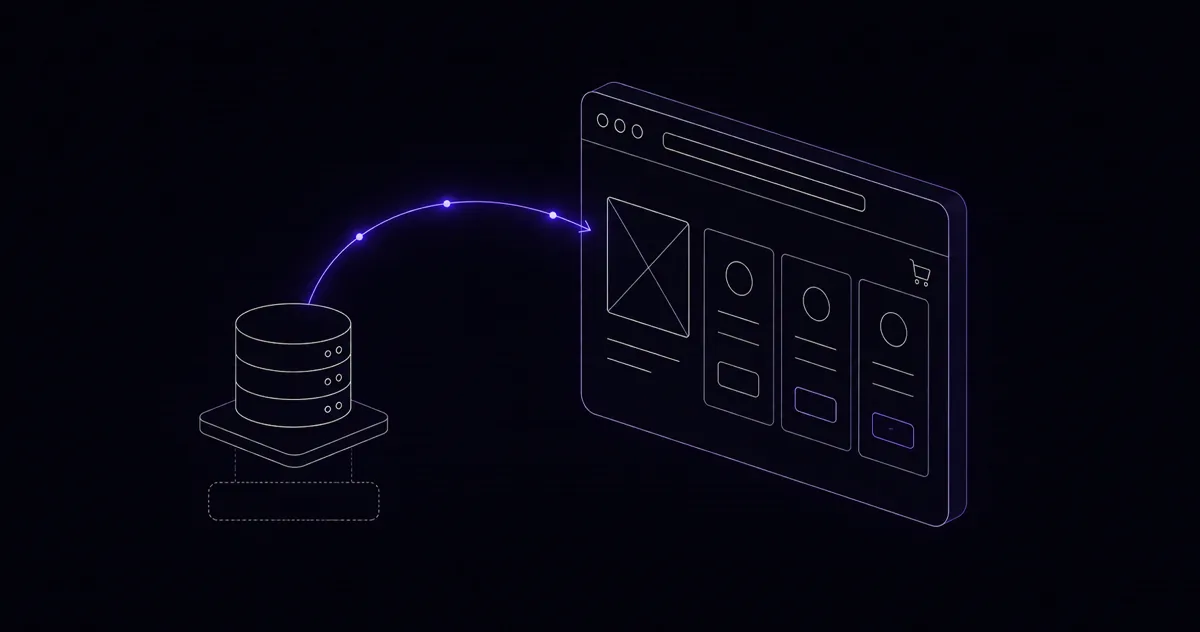
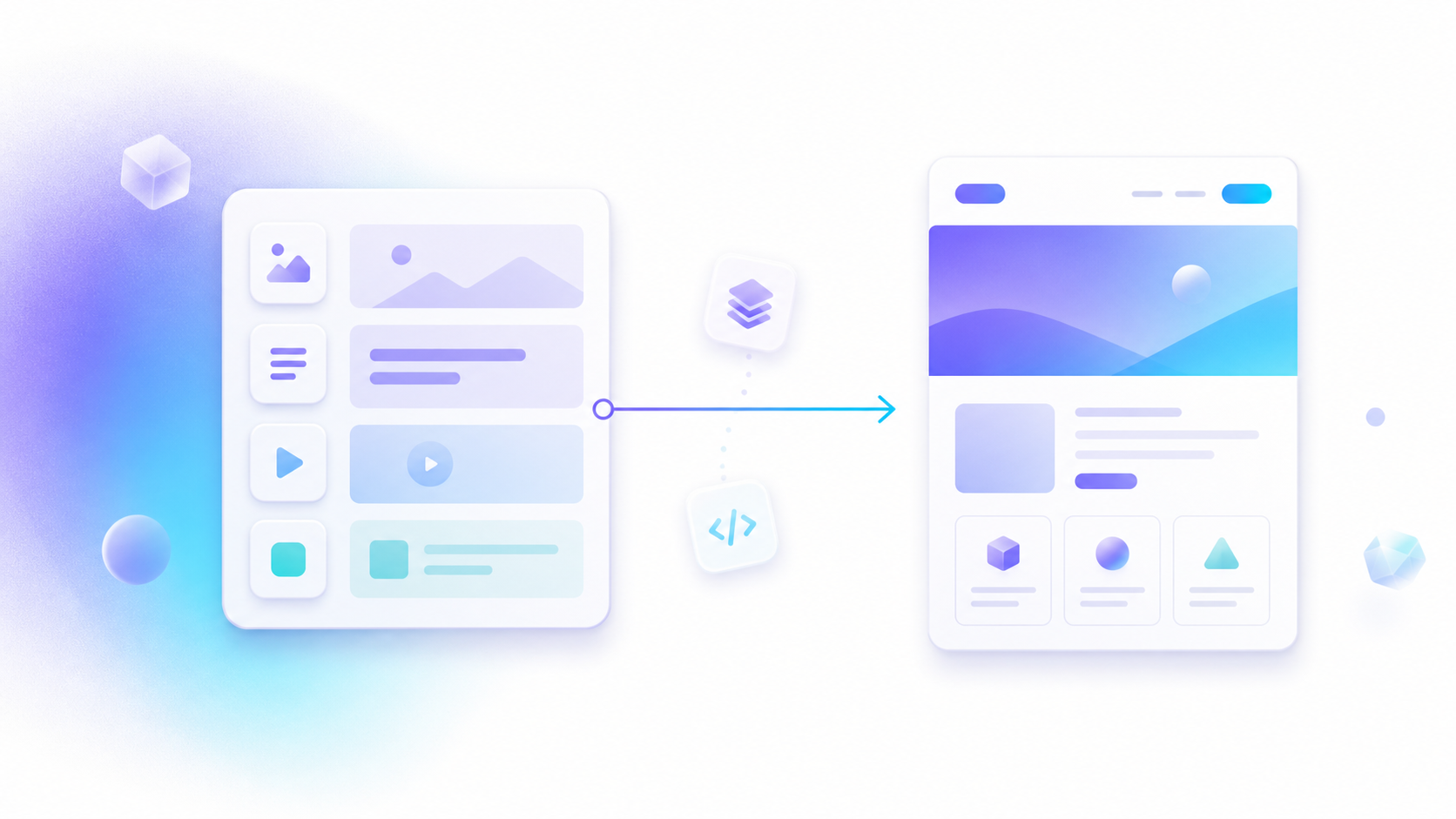
Headless WordPress with Next.js means you keep WordPress as the place editors write content, and you build the public site as a separate Next.js app that pulls that content over an API. WordPress stops rendering the front end. Next.js takes over. You get WordPress's editor and plugin ecosystem on the back, and React's speed and flexibility on the front.
That split is powerful — and it's also the most over-recommended architecture on the internet. I build and operate production systems on this stack, including the WordPress-backed and Next.js-fronted properties tied to my own products. So this isn't a tutorial copied from docs. It's what I'd tell a client on a call before either of us commits to it.
What "headless" actually changes
In classic WordPress, a PHP theme turns your content into HTML on every request. In a headless setup, that theme is gone. Next.js requests your posts, pages, and custom fields through WPGraphQL or the REST API, then renders them with React — statically at build time, on-demand at request time, or incrementally as content changes.
Three things shift the moment you decouple:
- The front end becomes an app, not a theme. You can build interactive product configurators, dashboards, and animations that a PHP theme fights you on.
- Performance becomes a build concern, not a plugin concern. No more stacking five caching plugins. Next.js ships pre-rendered HTML and hydrates only what needs JavaScript.
- Content becomes a feed, not a website. The same WordPress install can power your marketing site, a mobile app, and a partner's embed — all from one editorial workflow.
When headless WordPress with Next.js is the right call
I reach for this architecture in specific situations, not by default:
- You need an app-like front end. Heavy interactivity, real-time UI, custom flows — things React does well and a theme does badly.
- Speed is a business metric, not a nice-to-have. On a custom commerce build (KandyLover, Laravel + Vue), tightening the front-end render path cut load time noticeably — LCP went from roughly 3.5s to 1.8s, about 25–30% faster. The same render discipline applies to a Next.js front end on WordPress.
- One content source, many destinations. If marketing wants to write once and publish to web, app, and screens, the headless feed model earns its keep.
- Your editors love WordPress and your developers don't. Headless keeps both camps happy. The team keeps Gutenberg and ACF; engineers get a modern toolchain.
When to skip it
Most brochure sites and low-traffic blogs do not need this. A solid theme, a caching layer, and a CDN will get you a fast, cheap, easy-to-maintain site with zero build pipeline. Going headless there just buys you a second deploy target, a preview system to maintain, and more surface area to break. My rule: if you can't name the interactivity, the channel reuse, or the speed target that classic WordPress can't hit, don't go headless.
Headless WordPress vs. classic WordPress
| Factor | Classic WordPress | Headless + Next.js |
|---|---|---|
| Front-end speed | Good with caching | Excellent, pre-rendered by default |
| Editor experience | Native, instant preview | Native admin, preview needs wiring |
| Custom interactivity | Theme + JS, gets messy | Full React, clean |
| Multi-channel reuse | Hard | Built in via API |
| Hosting | One environment | Two environments |
| Time to ship | Fast | Slower up front |
| Best for | Blogs, brochure sites | Apps, high-traffic, multi-channel |
The three things that actually break — and how I handle them
1. Preview
The moment WordPress stops rendering the front end, your editors lose "Preview" — the button just shows a dead theme. The fix is Next.js Draft Mode (or preview routes) wired to a secret token from WordPress, so an editor previewing a draft hits a server-rendered Next.js page that pulls unpublished content. Plan this early. It's the single most common thing teams forget until an editor complains.
2. SEO continuity on migration
Headless does not hurt SEO. Sloppy migration does. Crawlers get full HTML from Next.js, so indexing is fine. The danger is losing your Yoast or RankMath titles, descriptions, canonicals, and schema. Pull that SEO data through WPGraphQL and render it into Next.js metadata, then map every old URL to its new path with proper 301s. Skip that step and you'll watch rankings dip for a month.
3. Images and the media library
WordPress uploads still live on the WordPress server. Point Next.js image optimization at that domain, or proxy media through your front end. Get this wrong and you either serve unoptimized originals or break next/image entirely.
The stack I actually use
- WordPress + WPGraphQL for the editorial back end and a clean, typed content API.
- ACF (exposed to GraphQL) for structured custom fields, so editors aren't fighting a generic block editor.
- Next.js with static generation where content is stable and incremental regeneration where it changes often.
- A small cPanel/WHM box for the WordPress backend. I run my own hosting brands (WaseerHost, Co2Host) on this exact stack, so the backend is boring and reliable — which is what you want from a CMS that no longer faces public traffic.
That hosting footnote matters more than it sounds. The same discipline that keeps a WHMCS or commerce backend stable applies here: the CMS box is private, patched, and monitored, while the public front end is fast and stateless. You can see the kind of production systems this powers across our work.
Is it worth the extra engineering?
Honestly? Sometimes. Headless WordPress with Next.js is a real upgrade when you have app-like requirements, aggressive speed targets, or multi-channel content — and a tax you don't need to pay when you don't. The architecture is genuinely good. The mistake is adopting it because it sounds modern, then drowning in preview bugs and a migration that nukes your SEO.
I'd rather tell you not to go headless than sell you a build you'll regret. If you're weighing it, let's talk through your actual requirements — speed targets, content channels, editor workflow — and I'll give you a straight answer on whether decoupling pays off, plus a migration plan that keeps your rankings intact. Book a free call and we'll map it out together, whether that ends in a headless build, a faster classic WordPress, or a custom front end entirely.
Frequently Asked Questions
Is headless WordPress with Next.js good for SEO?
Yes, if you do it right. Next.js renders pages server-side or statically, so crawlers get full HTML — not an empty div. The risk is in the migration: broken redirects, missing canonical tags, and lost meta from your old SEO plugin. Pull Yoast or RankMath data through WPGraphQL so your titles, descriptions, and schema survive the move. A clean headless build ranks as well as classic WordPress, sometimes better because it's faster.
Do editors lose the WordPress admin in a headless setup?
No. That's the whole point of keeping WordPress as the CMS. Your team still logs into wp-admin, uses Gutenberg or ACF, and publishes as normal. The only thing that changes is where the public site is served from — Next.js instead of a PHP theme. The one piece that needs engineering attention is live preview, since the editor and the frontend are now two separate apps.
Should I use WPGraphQL or the WordPress REST API?
Use WPGraphQL for most projects. It lets you fetch exactly the fields you need in one request, which keeps pages fast and payloads small. The REST API is fine for simple sites or when a plugin only exposes REST endpoints. For content-heavy builds with custom fields and nested relationships, GraphQL saves you from a dozen round trips.
Is headless WordPress more expensive to host?
There are two bills instead of one — WordPress (the backend) and the Next.js frontend. But the WordPress box can be small since it serves no public traffic, and the frontend often runs on a generous free or low tier. I host the WordPress side on cPanel/WHM stacks I already operate, so the backend cost is marginal. The real cost is engineering time up front, not monthly hosting.
When should I NOT go headless with WordPress?
Skip it for a simple brochure site, a low-traffic blog, or any project where a quality theme and a caching plugin already hit your speed and design goals. Headless adds a build step, a preview system, and a second deploy target. If you don't need custom interactivity, an app-like frontend, or to feed the same content to multiple channels, classic WordPress is the cheaper, faster-to-ship choice.
Want this built for your business?