Headless CMS with Strapi + Next.js: The Modern Content Stack
Build a scalable, SEO-ready publishing system with Strapi, Next.js, and a clean editorial workflow.

Why Go Headless in 2025
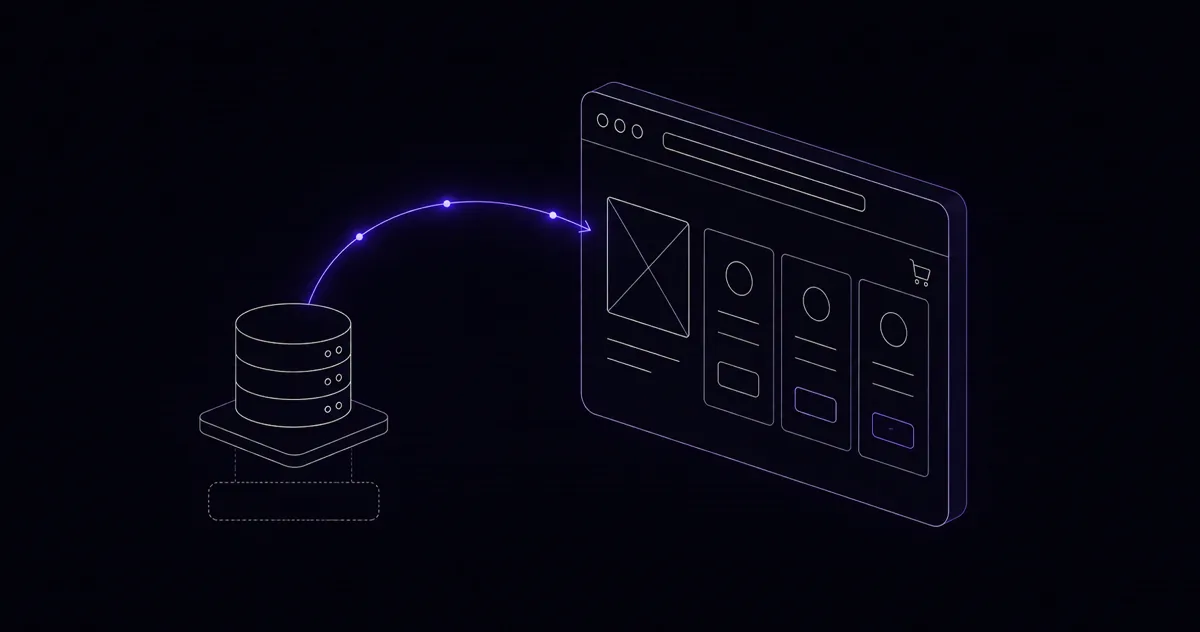
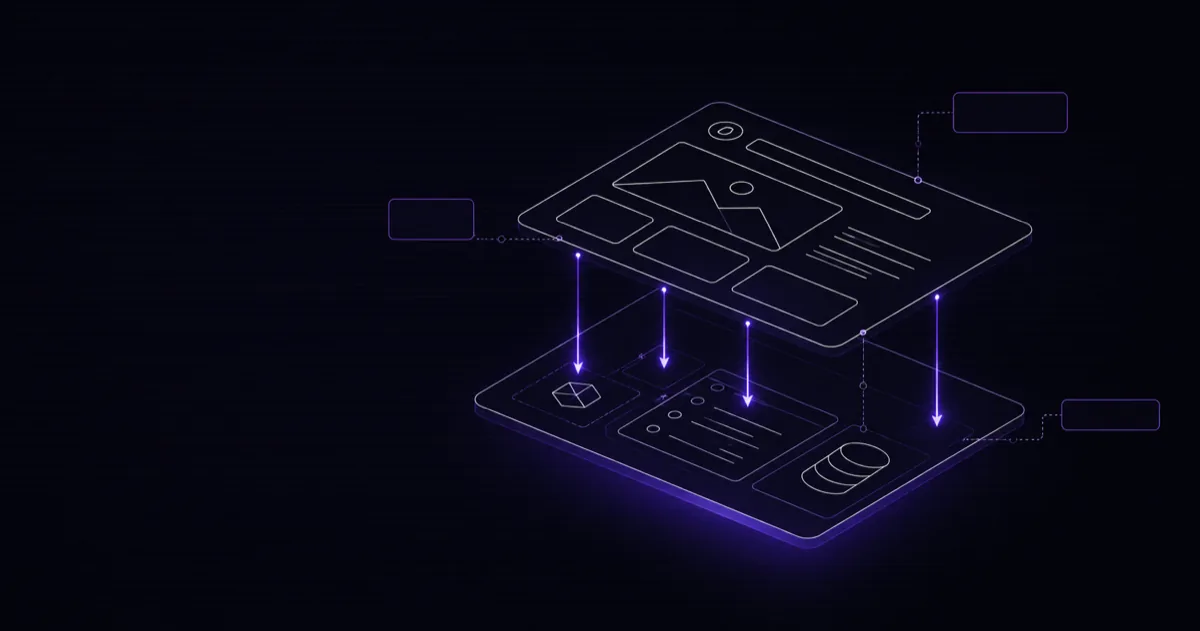
The traditional CMS model — where the same platform manages content and renders HTML — made sense when websites were mostly static brochures. Today, content needs to appear on websites, mobile apps, digital signage, voice interfaces, and third-party integrations simultaneously. A headless CMS separates the content repository from the presentation layer, letting you write content once and deliver it anywhere via API. I made the shift to headless architecture two years ago and I have not looked back since.
Strapi combined with Next.js is the stack I recommend most often to clients. Strapi is open-source, self-hostable, and gives you a polished admin interface that non-technical content editors can use without training. Next.js provides the rendering flexibility to choose between static generation, server-side rendering, and incremental static regeneration on a per-page basis. Together they cover every use case I have encountered in production.
Setting Up Strapi and Defining Content Types
Bootstrap a new Strapi project with a single command and you have a running CMS in minutes.
npx create-strapi-app@latest my-cms --quickstart
Once the admin panel loads, head to Content-Type Builder. For a blog, I typically create a Post collection type with fields: title (Short Text), slug (UID, tied to title), content (Rich Text), excerpt (Long Text), cover (Media, single), publishedAt (DateTime), and a relation to an Author collection. The Author collection holds name, bio, and avatar.
Enable the REST API for these content types under Settings > Roles > Public and grant the find and findOne permissions. For anything that should stay private — drafts, private fields — leave those permissions off. Strapi's role-based access control is granular enough to handle complex editorial workflows without custom code.
Next.js API Routes Pulling from Strapi
Rather than calling Strapi directly from components, I abstract the data layer into a small library file. This makes it trivial to swap the data source later or add authentication headers in one place.
// lib/strapi.ts
const STRAPI_URL = process.env.STRAPI_URL ?? 'http://localhost:1337';

export async function getPosts() {
  const res = await fetch(
    `${STRAPI_URL}/api/posts?populate=cover,author&sort=publishedAt:desc`,
    { next: { revalidate: 60 } }
  );
  if (!res.ok) throw new Error('Failed to fetch posts');
  const data = await res.json();
  return data.data;
}

export async function getPostBySlug(slug: string) {
  const res = await fetch(
    `${STRAPI_URL}/api/posts?filters[slug][$eq]=${slug}&populate=cover,author`,
    { next: { revalidate: 60 } }
  );
  if (!res.ok) throw new Error('Post not found');
  const data = await res.json();
  return data.data[0] ?? null;
}
The next: { revalidate: 60 } option is the key to Incremental Static Regeneration — Next.js will serve a cached static response and revalidate it in the background every 60 seconds.
ISR vs SSR: Choosing the Right Strategy
This is the question I get most often from developers new to headless. My rule of thumb: use ISR for content that changes infrequently and is read by many users (blog posts, landing pages, product pages). Use SSR for content that must be fresh on every request or is personalized (dashboards, user profiles, real-time data).
For a blog, ISR with a 60-second revalidation gives you the performance of a static site with the freshness of a dynamic one. When an editor publishes a new post in Strapi, you can also trigger an immediate revalidation using Strapi webhooks and Next.js's on-demand revalidation API at /api/revalidate. This combination means the live site updates within seconds of a publish action without a full rebuild.
Image Optimization
Strapi stores uploaded images on disk by default, but for production I switch to Cloudinary or AWS S3 using Strapi's provider plugins. This offloads storage and gives you a CDN-backed URL for every asset. On the Next.js side, wrap every image in the next/image component and configure the remote hostname in next.config.mjs.
// next.config.mjs
export default {
  images: {
    remotePatterns: [
      { protocol: 'https', hostname: 'res.cloudinary.com' },
    ],
  },
};
Next.js will automatically serve WebP to browsers that support it, resize images to the requested dimensions, and lazy-load images below the fold. On one client project this alone reduced total page weight by 60 percent.
Deploying on a VPS
I deploy Strapi on a $12/month VPS running Ubuntu 24.04, managed with PM2 for process management and Nginx as a reverse proxy. The Next.js frontend deploys to Vercel for automatic edge caching, or to a second VPS behind Nginx if the client prefers to keep everything self-hosted.
A typical Nginx config for Strapi listens on port 80, proxies to the Node.js process on port 1337, and handles SSL termination with a Certbot certificate. Keep Strapi behind a firewall rule that only allows traffic from your Next.js server and your own IP — there is no reason to expose the admin panel to the public internet.
Real-World Performance Gains
On my own portfolio site, switching from a monolithic WordPress setup to Strapi plus Next.js cut Time to First Byte from 420ms to 38ms. Largest Contentful Paint dropped from 3.2 seconds to 0.9 seconds. Google Search Console showed a measurable uptick in crawl rate within two weeks of the migration.
The content editors on my client projects adapted quickly to Strapi's admin interface — most said it felt cleaner and faster than WordPress. The combination of great developer experience, flexible content modeling, and edge-cached static output makes this stack my default recommendation for any content-heavy project in 2025.
Frequently Asked Questions
Why choose Strapi over other headless CMS?
Strapi offers complete control, is open-source, and has excellent TypeScript support with a flexible plugin system.
Is Next.js good for SEO?
Yes, Next.js provides server-side rendering, static generation, and excellent performance metrics that Google loves.
Want this built for your business?