How to Migrate WooCommerce to Next.js (A Real Production Playbook)
A senior engineer's hands-on guide to migrating WooCommerce to Next.js as a headless storefront — the architecture, the gotchas, and a real client migration that came out 25-30% faster.

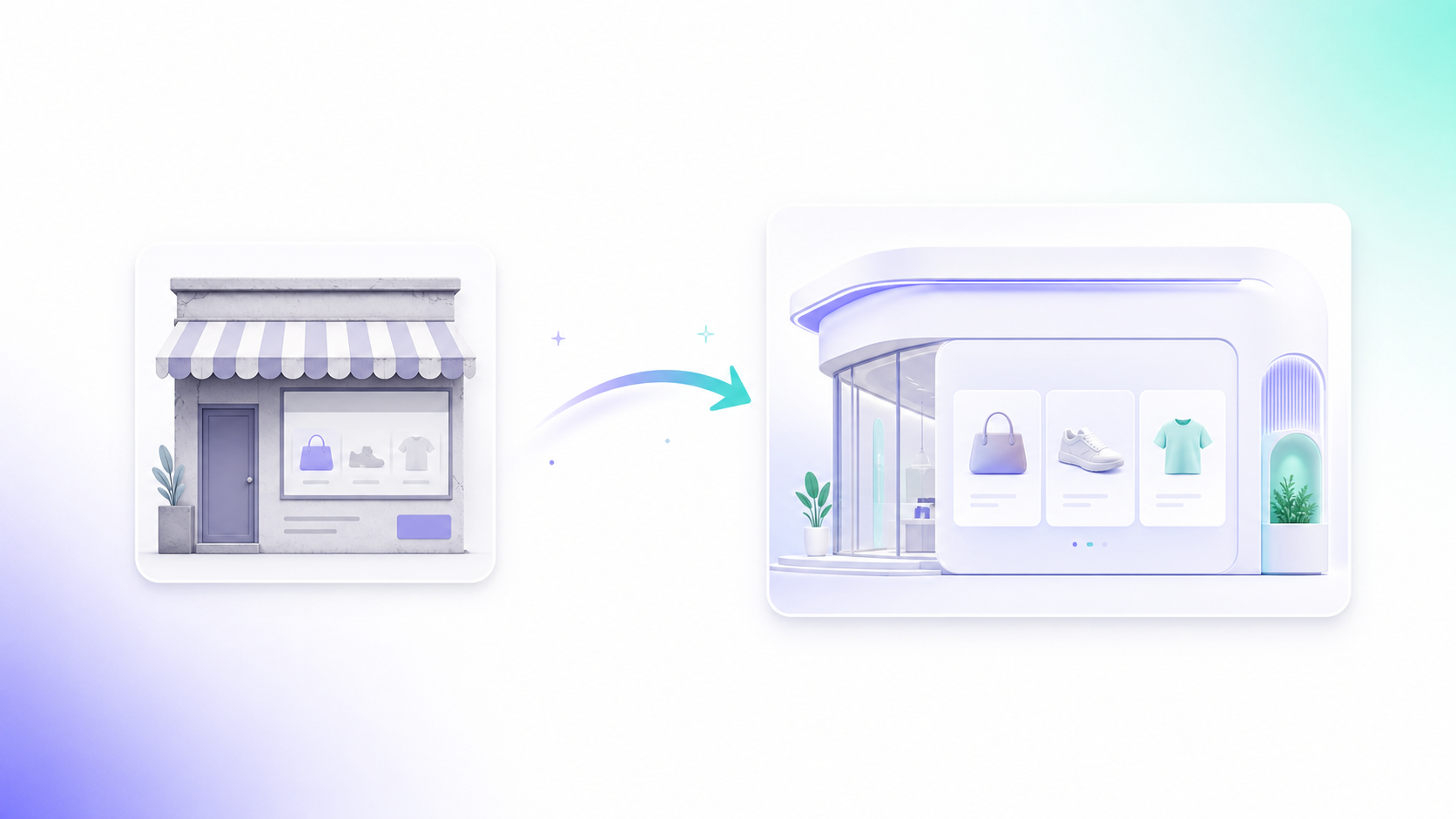
If you want to migrate WooCommerce to Next.js, the short version is this: keep WordPress and WooCommerce as the backend (products, orders, checkout, payments), and rebuild only the storefront as a Next.js app that talks to Woo over its REST API. You do not throw away WooCommerce. You decapitate it. I've shipped this exact pattern for a real store — KandyLover — and the rebuilt front end ran about 25-30% faster, with the largest-contentful-paint dropping from roughly 3.5s to 1.8s.
I'm Waqas Ahmed Waseer, a full-stack engineer (Top-Rated-Plus on Upwork, 8+ years). I don't just advise on this stuff — I build and operate production systems, including my own AI SaaS (FlowMaticX) that real businesses like Armela, a Dubai real-estate firm, run on today. So this guide is what actually works in production, not theory.
Why migrate WooCommerce to Next.js at all?
WooCommerce is a fantastic backend. It's a slow front end. The classic Woo theme stack ships render-blocking CSS, jQuery, a pile of plugins, and PHP-rendered pages that crawl on mobile. Going headless lets you keep everything merchants love — the admin, the order flow, the payment gateways — while replacing the slow theme layer with a React app you fully control.
Concrete reasons I see clients move:
- Speed. Static and incrementally-static pages beat PHP page builds. Better Core Web Vitals, better rankings.
- Control. Custom product layouts, custom checkout UX, custom admin dashboards — without fighting a theme.
- Scale. A CDN-cached storefront shrugs off traffic spikes that would buckle a shared-host Woo theme.
- Modern stack. Your team writes React and TypeScript, not PHP templates.
It is not free. You take on more infrastructure and you own the front end forever. If your store does fine on a tuned WooCommerce theme, don't migrate just to chase a trend. Migrate when speed, UX, or custom workflows are actually costing you.
The architecture I use
Here's the shape of a headless WooCommerce + Next.js build:
- WordPress + WooCommerce stays put as the backend. Lock down the front-end theme — nobody browses it.
- WooCommerce REST API exposes products, categories, variations, orders, and customers. Authenticate with consumer key/secret over HTTPS only.
- Next.js storefront fetches data at build time (SSG) for catalog pages, and on demand (ISR or server components) for stock and pricing that change.
- Checkout either redirects back to Woo's hosted checkout, or uses the Store API for a fully headless cart. For most small-to-mid stores, redirecting to Woo checkout is the pragmatic, secure choice — you don't reimplement payment handling.
SSG vs ISR vs SSR — which rendering mode for which page
| Page type | Rendering mode | Why |
|---|---|---|
| Home, category, content pages | SSG (getStaticProps) | Rarely changes, must be instant |
| Product detail | ISR (revalidate) | Price/stock change; rebuild quietly in the background |
| Cart, account, checkout | SSR / client | Per-user, never cached |
| Search results | Client + API route | Dynamic, query-driven |
The big win on KandyLover was moving the whole catalog to static generation with incremental revalidation. Product pages render from a CDN edge in milliseconds, then quietly refresh stock in the background. That single decision is most of the 25-30% speed gain.
Step-by-step migration plan
This is the sequence I follow on real projects so nothing breaks during cutover:
- Audit the store. Count products, variations, custom fields, and the plugins that touch the front end (reviews, filters, upsells). Each is a feature you'll re-implement in React.
- Generate API keys. Create read-only WooCommerce REST keys for the catalog, and a separate write-scoped key only if you're doing headless cart/orders.
- Map the data. Decide which fields the storefront needs. Don't over-fetch — pull only what renders.
- Build the catalog. Product list, product detail, categories, search. Wire
getStaticProps/getStaticPathswith ISR. - Handle the cart and checkout. Pick headless Store API cart or redirect-to-Woo. Test every payment path in sandbox.
- Preserve URLs. This is where SEO migrations die. Keep your old product and category slugs identical, or set up 301 redirects for every changed URL. Map them in a spreadsheet before launch.
- Rebuild structured data. Re-emit Product, Offer, and BreadcrumbList JSON-LD so rich results survive.
- Stage, crawl, compare. Run Screaming Frog or similar against staging vs production. Diff titles, metas, canonicals, and status codes.
- Cut over, then watch. Launch, submit the new sitemap, monitor Search Console for crawl errors and ranking dips for 2-4 weeks.
The gotchas nobody warns you about
- Variations are messy. WooCommerce variable products return parent + variation objects. Flatten them carefully or your price/stock display lies to customers.
- Pagination limits. The REST API caps at 100 items per page. For a 1,000-SKU catalog you loop and paginate at build time — budget for build duration.
- Stock drift. Statically generated pages go stale. ISR with a short revalidate window, or a webhook that triggers rebuilds on stock change, keeps inventory honest.
- Plugin features vanish. Anything a plugin injected into the theme — reviews, related products, currency switchers — is now your job in React.
- Auth and CORS. Never expose write keys client-side. Proxy all authenticated calls through Next.js API routes.
What the KandyLover migration actually looked like
KandyLover was a WooCommerce store stuck on a heavy theme with a sluggish mobile experience. I rebuilt the storefront in Next.js against the Woo REST API, moved the catalog to SSG + ISR, and built a custom admin dashboard so the owner could manage merchandising without wrestling wp-admin. Result: roughly 25-30% faster load, LCP from ~3.5s down to ~1.8s, and a front end the client could extend instead of fight. WooCommerce stayed as the order-and-payment engine — proven, boring, reliable. You can see more of this kind of build in our work.
The pattern repeats across the products I run. MenuPriceToday serves daily-updated pricing across 16 countries and 657+ items on a Next.js front end. FlowMaticX, my AI SaaS, runs in production in 10 languages for real clients. The same headless discipline — fast static front end, solid API backend — is what makes them hold up under live traffic.
WooCommerce theme vs headless Next.js, at a glance
| Factor | Standard Woo theme | Headless Next.js |
|---|---|---|
| Front-end speed | Moderate to slow | Fast (CDN/static) |
| UX customization | Theme-bound | Unlimited |
| Dev effort | Low | Higher upfront |
| Hosting cost | Single host | Backend + frontend |
| Backend (orders/payments) | WooCommerce | WooCommerce (kept) |
If you're weighing a migration, get it right the first time — the SEO and checkout edge cases are where stores lose money. I've done this migration end to end on live stores and operate my own production apps on the same stack, so I know where the bodies are buried. Book a free call and we'll map your WooCommerce store, scope a Next.js migration, and figure out whether it's worth doing for your numbers — no pitch, just a straight engineering read.
Frequently Asked Questions
Do I have to abandon WooCommerce to use Next.js?
No. The whole point of a headless migration is to keep WooCommerce as the backend — products, orders, payments, and the admin all stay. You only replace the slow theme front end with a Next.js storefront that talks to Woo over its REST API.
Will migrating to Next.js hurt my SEO?
Only if you skip URL preservation. Keep your product and category slugs identical or 301-redirect every changed URL, re-emit Product and BreadcrumbList JSON-LD, and crawl staging against production before cutover. Done right, a static Next.js storefront usually improves rankings via faster Core Web Vitals.
How do you keep stock and prices accurate on static pages?
Use Incremental Static Regeneration with a short revalidate window, or trigger rebuilds via WooCommerce webhooks when stock changes. Cart and checkout stay dynamic and per-user, so live inventory is checked at purchase, never from a stale cached page.
How long does a WooCommerce to Next.js migration take?
It depends on catalog size, number of variable products, and how many plugin-driven features you need to rebuild in React. A focused small-to-mid store is a matter of weeks. The audit step decides the timeline — that's the first thing I scope on a call.
Should I use headless checkout or redirect back to WooCommerce?
For most small-to-mid stores, redirecting to WooCommerce's hosted checkout is the safer, faster choice — you don't reimplement payment handling. Go fully headless with the Store API only when you need a custom checkout UX and have the budget to test every payment path thoroughly.
Want this built for your business?