Send Your First WhatsApp Message From Code — A Beginner's Guide to Self-Hosted WhatsApp APIs
Run your own WhatsApp gateway on a $5 VPS and send messages straight from code with one API call — no per-message fees. A beginner-friendly, 10-minute setup guide using the open-source, MIT-licensed WaSphere.

If you have ever tried to send a WhatsApp message from your own code, you probably discovered two things very fast: the official WhatsApp Business API is complicated to get into, and the third-party services that make it easy charge you for every single message. For a small project, a side hustle, or just learning, that feels heavy.
There is a third option: run the WhatsApp gateway yourself, on your own server. This is called self-hosting, and in this guide I will show you exactly how to do it, step by step, using an open-source tool. By the end, you will send a WhatsApp message with one simple API call — from your own infrastructure, with no per-message fees.
A quick honest note before we start: I am the author of the open-source tool we will use, WaSphere. It is MIT-licensed and free. I built it because I needed exactly this for my own projects, and I maintain it in the open. Everything below works the same whether you ever talk to me or not.
What "self-hosted WhatsApp API" actually means
When you use a hosted WhatsApp service, your messages travel through someone else's servers, and you pay them for the privilege. Self-hosting flips that: the gateway software runs on your server (a $5 VPS is enough to start), your WhatsApp session and your contacts stay on your machine, and sending a message is just an HTTP request to your own API.
The trade-off is that you are now the operator. You run the software, you keep it updated, and you are responsible for using it sensibly. If that sounds scary — it isn't. Modern tools ship as Docker containers, which means the whole platform starts with one command.
One important caution (please read this)
Tools like this one connect to WhatsApp through Baileys, an open-source library that speaks the WhatsApp Web protocol. It is not an official Meta product. That means two things you should know honestly:
- Use it responsibly. Sending spam or bulk unsolicited messages can get a number banned — and it should. Use it for messages people actually want: order updates, alerts from your own systems, replies to people who messaged you first.
- For large, business-critical messaging, consider the official WhatsApp Business Platform. Self-hosting is fantastic for automation, internal tools, alerts, and learning. Know which category your project is in.
Good tools build in protections — sending delays between messages, auto-read receipts — but the responsibility is yours. Okay, let's build.
What you need
- A machine with Docker installed (your laptop is fine for testing; any small VPS for real use)
- A WhatsApp number you can scan a QR code with (a spare number is ideal for experiments)
- 10 minutes
No Node.js setup, no database installation — Docker handles all of it.
Step 1 — Get the code and configure it
git clone https://github.com/wasphere/wasphere.git
cd wasphere
cp .env.example .env
Open the .env file. You will see a handful of secrets that need values — passwords and signing keys. Generate each one with:
openssl rand -hex 32Run that command once per secret and paste the results in. This takes two minutes and it matters: these keys are what keep your API private.
Step 2 — Start everything
docker compose up -dThat single command starts three services: the WhatsApp gateway itself, an API layer with authentication, and a web dashboard. Database migrations run automatically. When it finishes, open http://localhost:3004 in your browser.
Step 3 — Connect your WhatsApp number
Register your admin account in the dashboard (the first account becomes the admin, and registration locks after that — a small security touch worth copying in your own projects). Then go to Sessions, create a new session, and a QR code appears.
On your phone: WhatsApp → Settings → Linked Devices → Link a Device → scan the QR. A few seconds later, the dashboard shows your session as connected. Your server can now speak WhatsApp.
Step 4 — Send your first message from code
Create an API key in the dashboard (you can scope it, so a key can be allowed to send messages but nothing else — give every integration the smallest permission it needs). Then:
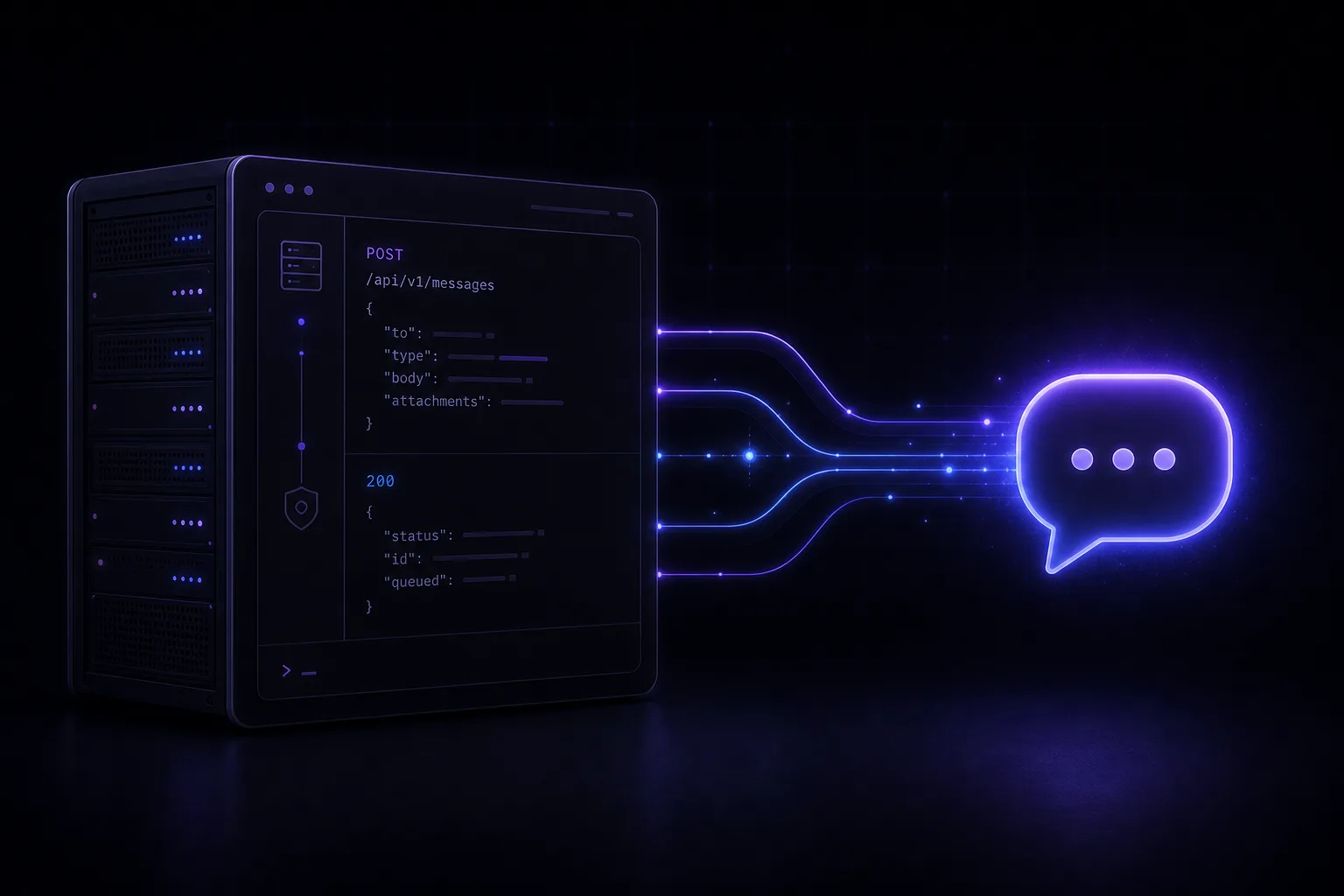
curl -X POST http://localhost:3000/workspaces/{workspaceId}/proxy/api/sessions/{sessionId}/messages/text \
  -H "Authorization: Bearer wsk_live_your_key" \
  -H "Content-Type: application/json" \
  -d '{ "to": "12125550100", "text": "Hello from my own server!" }'
Check the phone you sent it to. That message never touched a paid third-party service — it went from your code, through your server, to WhatsApp. That is the whole magic.
Text is just the start: the same API sends images, documents, voice notes, interactive buttons, polls, locations — fourteen message types in total, each with its own endpoint.
Step 5 — React to incoming messages with webhooks
Sending is half the story. To react to messages — the foundation of any bot — register a webhook:
curl -X POST http://localhost:3000/workspaces/{workspaceId}/webhooks \
  -H "Authorization: Bearer wsk_live_your_key" \
  -H "Content-Type: application/json" \
  -d '{ "name": "my-bot", "url": "https://your-app.com/webhook", "events": ["message.received"] }'
Now every incoming message POSTs to your URL. Each delivery is signed with HMAC-SHA256, so your app can verify the request really came from your gateway and not from an attacker. If you use an automation tool like n8n, point the webhook at an n8n workflow and you can build a reply bot without writing a server at all.
Ideas for your first real project
- Order notifications for a small shop: new order → WhatsApp message to the owner.
- Server alerts: your monitoring detects downtime → you get a WhatsApp ping.
- A simple FAQ bot: incoming message → webhook → n8n → automated reply.
- Invoice reminders from a billing system like WHMCS.
Small, genuinely useful, and exactly what self-hosting is perfect for.
Where to go next
The documentation covers configuration, security, and integration guides, and there is a live demo you can click around without installing anything. If you get stuck, open an issue on GitHub — I read all of them.
I'm Waqas Ahmed Waseer — a full-stack engineer from Lahore. I build and run production SaaS and AI systems, and I write weekly about what actually works in production: self-hosted infrastructure, WHMCS development, n8n automation, and multi-tenant SaaS. If you'd rather have this built and run for you, book a free call.
Frequently Asked Questions
Is a self-hosted WhatsApp API free?
The software (WaSphere) is open-source and MIT-licensed, so there are no per-message fees. You only pay for the small server it runs on — a $5 VPS is enough to start.
Is self-hosting the WhatsApp API against WhatsApp's rules?
These tools connect through Baileys, which speaks the WhatsApp Web protocol and is not an official Meta product. Use it responsibly for messages people actually want — order updates, alerts, and replies. For large, business-critical messaging, use the official WhatsApp Business Platform.
Do I need to know Node.js to run it?
No. It ships as Docker containers, so a single "docker compose up -d" starts the gateway, API and dashboard — no Node.js or database setup required.
How do I send a WhatsApp message from code?
After scanning the QR to link your number, create an API key and send an HTTP POST to your server’s messages endpoint with the recipient number and text. The same API also sends images, documents, buttons, polls and more.
Can I build a WhatsApp reply bot?
Yes. Register a webhook for message.received events; every incoming message POSTs to your URL, signed with HMAC-SHA256. Point it at an n8n workflow and you can build a reply bot without writing a server.
Want this built for your business?