React Server Components: The Complete Architecture Guide for 2025
Master RSC patterns, data fetching strategies, and performance optimization for production-ready Next.js applications.

The Paradigm Shift in React Architecture
React Server Components represent the most significant architectural change to React since hooks. After spending most of 2024 and early 2025 migrating production applications to the App Router and deeply integrating RSC patterns, I can tell you that the initial learning curve is real but the payoff in performance and developer experience is substantial. Understanding where the server-client boundary lives and making deliberate decisions about it is now a core skill for any serious Next.js developer.
RSC vs Client Components: The Mental Model
Server Components run exclusively on the server. They can access databases, file systems, and environment variables directly. They never re-render on the client. They cannot use browser APIs, event handlers, or React hooks that depend on client state. Their output — serialized React elements — is sent to the client and rendered into the DOM.
Client Components are what most React developers are already familiar with: they run in the browser, can use hooks, handle events, and access the DOM. In the App Router, you opt into client behavior by adding "use client" at the top of a file. Everything without that directive is a Server Component by default.
The crucial insight is that this is not an either/or choice per page — it is a per-component decision. A page can be a Server Component that fetches data, renders most of its structure, and composes one or two Client Components for the interactive parts like a like button or a comment form. This granularity is what makes RSC so powerful.
When to Use Each
My decision rule: start with a Server Component and only add "use client" when you actually need it. You need a Client Component when you use useState, useEffect, useContext, browser APIs like window or localStorage, event listeners, or third-party libraries that require a browser environment.
You should keep a Server Component when you are fetching data, accessing environment secrets, rendering large amounts of static or semi-static content, or doing anything that does not need interactivity. The less JavaScript shipped to the browser, the better your Core Web Vitals.
Data Fetching Patterns
In Server Components, data fetching is as simple as using async/await directly in the component. No useEffect, no loading state management, no client-side hydration artifacts.
// app/blog/page.tsx — Server Component
export default async function BlogPage() {
const posts = await getPosts(); // Direct async call
return (
{posts.map(post => (
- {post.title}
))}
);
}
For parallel data fetching, use Promise.all to avoid waterfall requests. For sequential fetching where one request depends on another, the async/await chain reads naturally and the framework optimizes the execution.
Streaming and Suspense Boundaries
Streaming lets Next.js send the initial HTML shell to the browser immediately, then stream in each section as it resolves. Wrap slow data fetches in <Suspense> to unlock this behavior.
// app/dashboard/page.tsx
import { Suspense } from 'react';
import { UserStats, RecentOrders, Notifications } from './components';
export default function Dashboard() {
return (
Dashboard
);
}
Each Suspense boundary streams independently. The user sees the page shell immediately, then each section pops in as its data resolves. Time to Interactive improves dramatically compared to waiting for all data before rendering anything.
Server Actions
Server Actions replace the pattern of writing an API route just to handle a form submission. Mark a function with "use server" and call it directly from a form or a Client Component event handler. Next.js handles the network round-trip transparently.
// app/actions/contact.ts
"use server";

export async function submitContactForm(formData: FormData) {
  const name = formData.get('name') as string;
  const email = formData.get('email') as string;
  await saveToDatabase({ name, email });
  revalidatePath('/contact');
}
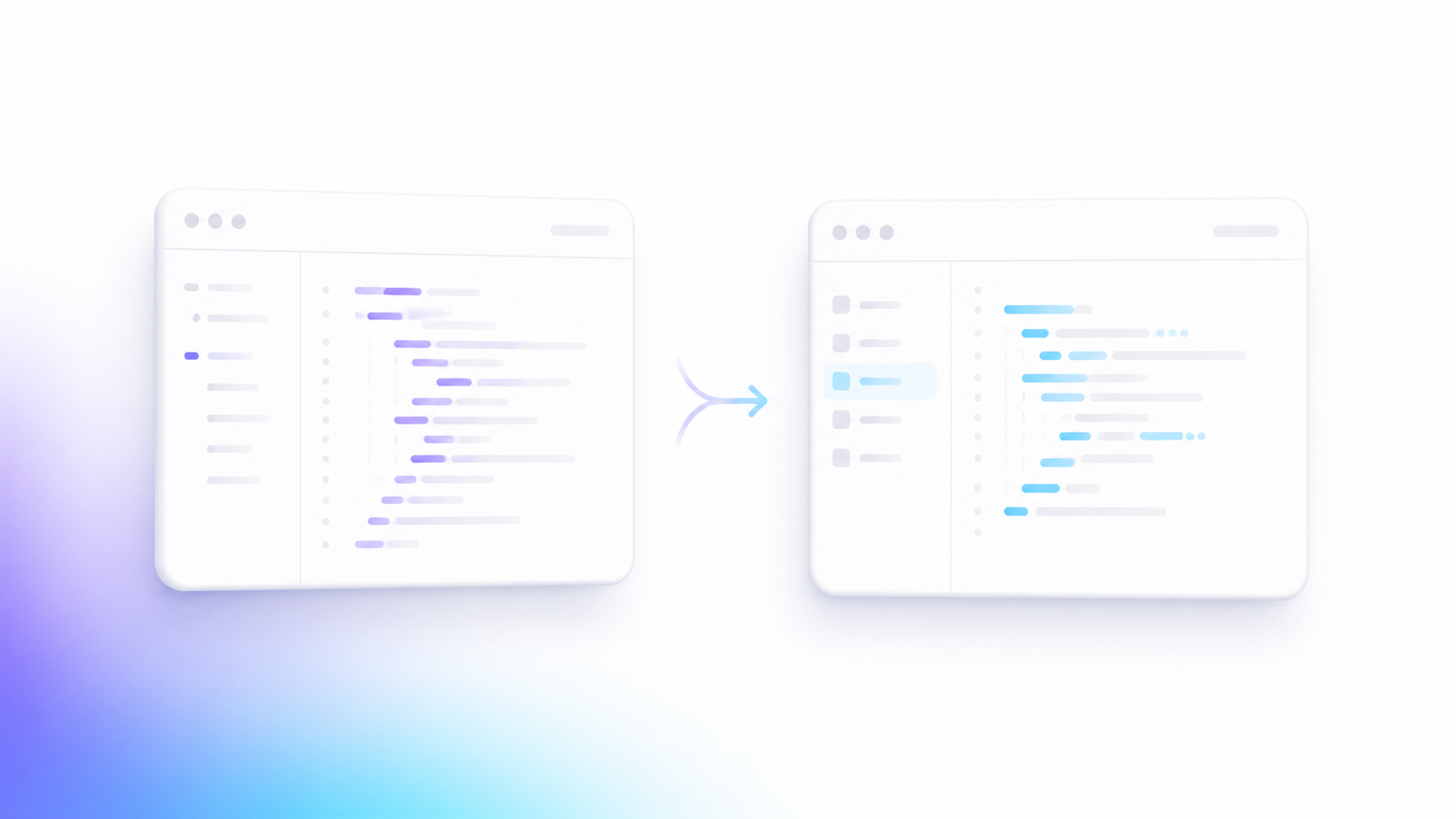
Migration from Pages Router
Next.js supports both routers simultaneously during migration. Start by moving leaf-level pages — ones with no shared layouts — to the App Router first. Tackle shared layouts next, since the App Router's nested layout system is architecturally different from the Pages Router's _app.tsx. Client-side navigation, authentication context, and analytics wrappers are the trickiest parts to migrate because they typically wrap everything in a Client Component.
Performance Gains with Real Numbers
On a recent e-commerce migration from the Pages Router to the App Router with full RSC adoption, I measured the following improvements: JavaScript bundle size dropped by 43 percent (from 380KB to 215KB gzipped). Time to First Byte improved from 180ms to 45ms for cached pages. Largest Contentful Paint on the product listing page went from 2.8 seconds to 1.1 seconds. These are not incremental improvements — they represent a fundamentally different performance ceiling that the old architecture could not reach.
React Server Components are not a framework quirk to tolerate; they are the correct model for building the majority of modern web applications. The earlier you internalize the server-client boundary as a first-class architectural concern, the better your applications will be.
Want this built for your business?