How to Automate Lead Generation with n8n (A Workflow That Actually Books Calls)
A practical, engineer-built guide to automate lead generation with n8n: the exact workflow, the AI enrichment step, and the mistakes that quietly kill your pipeline. Built from the same pattern running inside FlowMaticX in production.

If you want to automate lead generation with n8n, the fastest win is this: capture the lead, enrich it with AI, score it, and route it to a human (or a booking link) within seconds — not the next morning. I built exactly this pipeline pattern into FlowMaticX, my own AI SaaS that real businesses run on today, including Armela, a Dubai real-estate firm. So this isn't a theory post. It's the plumbing I keep in production.
n8n is the right tool for this because it's self-hostable, node-based, and doesn't charge you per task like Zapier does once volume climbs. You own the workflow, the data, and the API keys. For lead gen — where you're firing dozens of small operations per lead — that ownership matters.
The core workflow to automate lead generation with n8n
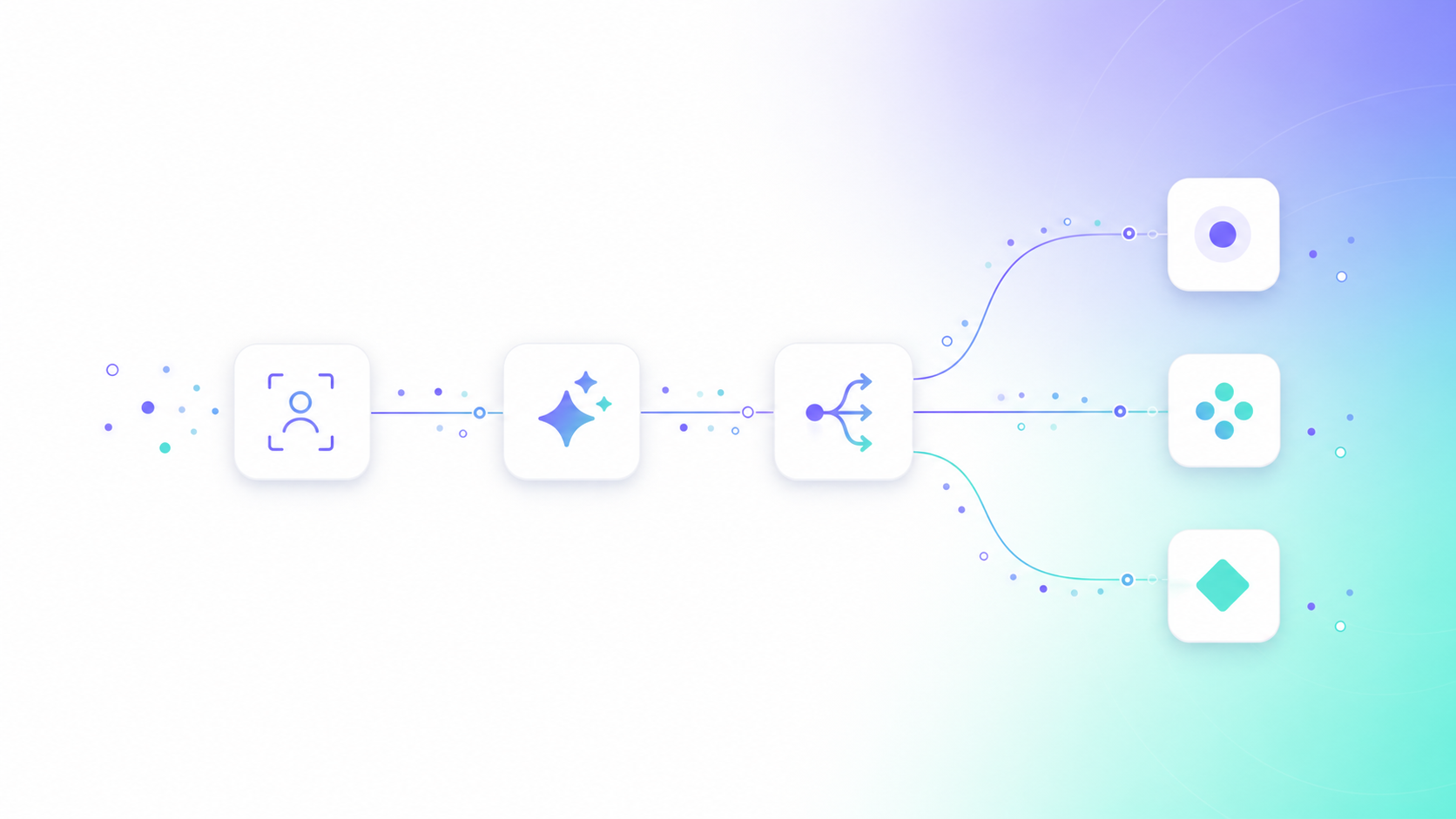
Here's the shape of the workflow I run. Each step is a node (or small group of nodes) in n8n:
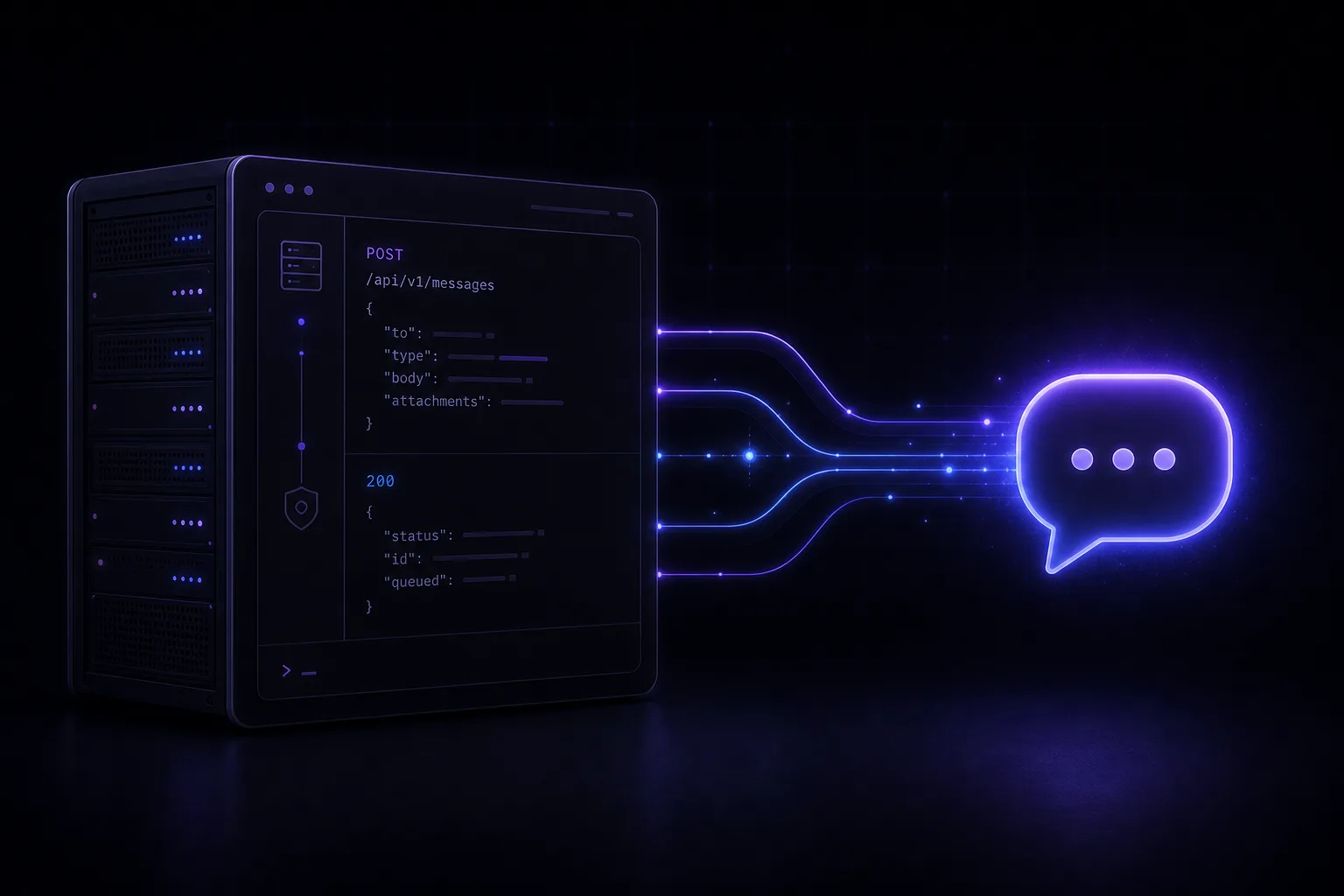
- Trigger — a Webhook node catches a form submit, a chat message, or a new row from your CRM/Sheets. For FlowMaticX, the trigger is the chatbot itself: someone asks a question on a client site and that becomes a lead event.
- Normalize — a Set node cleans the payload: lowercase the email, strip phone formatting, drop honeypot fields. Garbage in is the number-one reason these pipelines rot.
- Dedupe — check the email/phone against your existing contacts before doing anything expensive. I use a quick database lookup node here. Skipping this means you'll pay for enrichment on the same lead five times.
- Enrich — an HTTP Request node hits a data provider (or an LLM) to add company size, role, and intent. This is where AI earns its place — more on that below.
- Score — a Function/Code node applies simple rules: business email + decision-maker role + high-intent message = hot. A throwaway Gmail address asking "is this free?" = cold.
- Route — an IF node splits the flow. Hot leads get an instant Slack/WhatsApp ping to a human and a calendar link. Warm leads enter a nurture sequence. Cold leads get logged, not chased.
- Persist — write everything back to the CRM and a database so you have an audit trail. n8n's execution log is for debugging, not for being your system of record.
The whole thing runs in under five seconds for a hot lead. Speed-to-lead is the single biggest lever in conversion, and an automated path beats a human checking email every two hours every single time.
Where AI actually helps (and where it doesn't)
People bolt an LLM onto every node and wonder why their bill explodes. Be selective. The two places AI genuinely pays off in a lead workflow:
- Intent classification. A short prompt — "classify this message as pricing, support, partnership, or spam, and rate buying intent 1–5" — turns a freeform message into a routable signal. Cheap, fast, reliable.
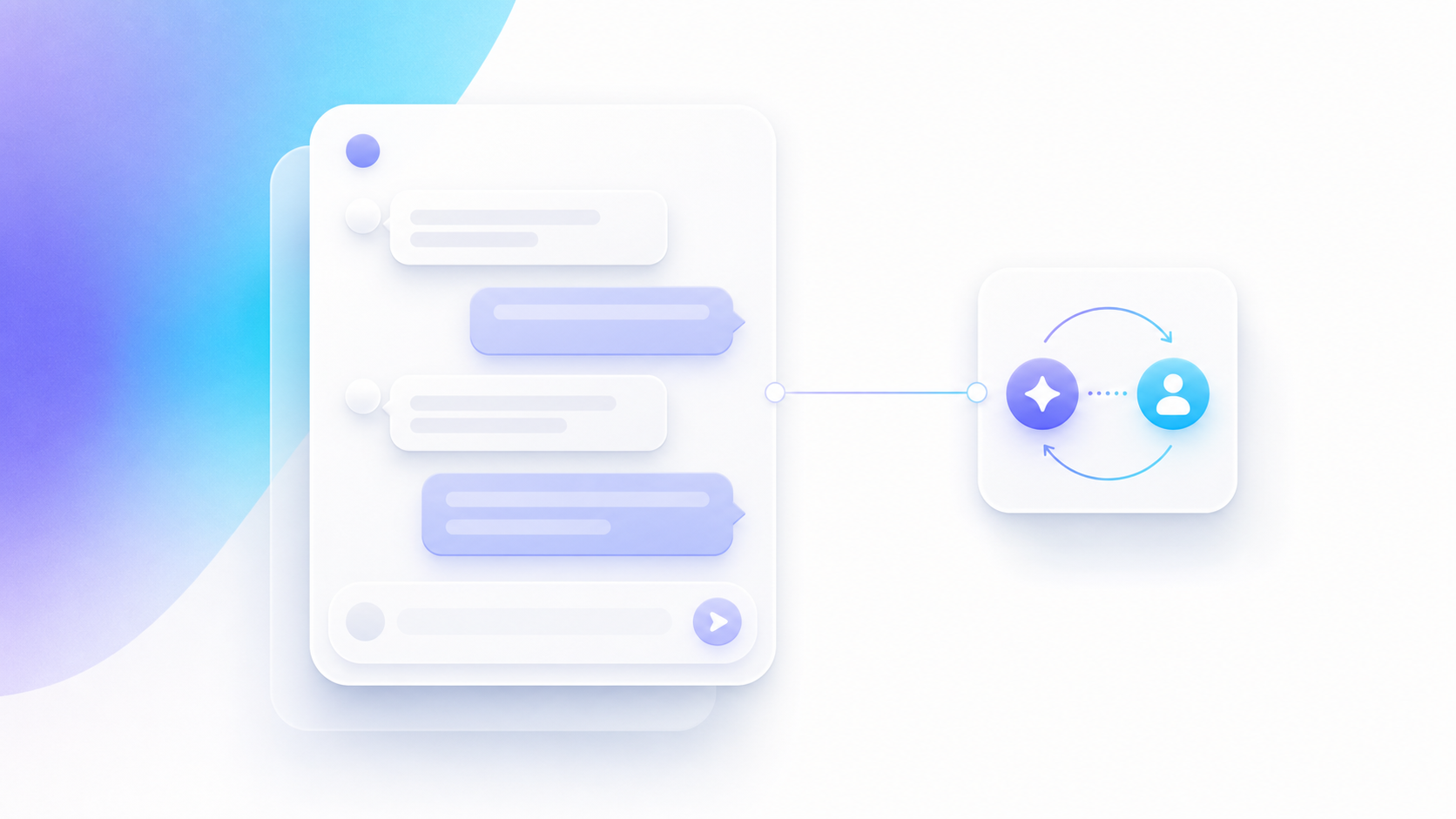
- Reply drafting. Generate a first-touch reply that references what the lead actually said. In FlowMaticX the chatbot answers in 10 languages, so this step also handles language detection and responds in the lead's own language. That alone removes a friction point most form-based funnels never solve.
Where AI doesn't help: don't ask an LLM to "decide" if a lead is qualified using vibes. Use deterministic rules for scoring so the logic is auditable and you can explain to a client why a lead was routed the way it was. AI enriches; rules decide.
n8n vs the usual alternatives
I get asked why not just use Zapier or Make. Honest comparison from someone who's shipped on all three:
| Factor | n8n (self-hosted) | Zapier | Make |
|---|---|---|---|
| Pricing model | Flat (your server) | Per task | Per operation |
| Cost at high volume | Predictable | Gets expensive fast | Cheaper than Zapier, still per-op |
| Data ownership | Full — runs on your infra | Vendor cloud | Vendor cloud |
| Custom code | Native JS/Python nodes | Limited | Moderate |
| Self-host AI keys | Yes | Awkward | Awkward |
| Learning curve | Steeper | Easiest | Moderate |
My take: if you're a small team validating an offer, Zapier is fine for week one. The moment lead volume becomes real, or you need AI enrichment with your own keys, or a client cares where the data lives, n8n wins. It's the one I run in production for that exact reason.
The mistakes that quietly kill an n8n lead pipeline
These are the failures I've actually had to debug, not hypotheticals:
- No idempotency. Webhooks retry. Without a dedupe key, one form submit becomes three leads and two duplicate emails to a prospect. Add a unique-key check early.
- No error branch. When the enrichment API times out, the default behavior is to drop the lead silently. Always add an error workflow that captures the raw payload so nothing is lost.
- Secrets in nodes. Use n8n credentials, not hardcoded keys in HTTP nodes. Obvious, routinely ignored.
- Treating execution logs as storage. They get pruned. Persist leads to a real database.
- Over-notifying. If every cold lead pings the sales channel, people mute it, and then they miss the hot ones. Route by score.
How this connects to real revenue work
The reason this matters: a lead workflow is only valuable if it ends in a booked conversation. The enrichment, the scoring, the multilingual reply — all of it exists to shrink the gap between "someone showed interest" and "someone is on a call." That's the part I obsess over, because it's the same pattern whether it's a chatbot lead inside FlowMaticX or a contact form on an e-commerce build. You can see more of the production systems I've shipped on our work.
If you're running this for a B2B service, start small: one trigger, one enrichment call, one scoring rule, one notification. Get it live, watch real leads flow through, then add nurture and CRM sync. A pipeline you actually ship beats the perfect diagram you never deploy.
A realistic first-week build plan
- Day 1: Stand up n8n (Docker is fine), wire the Webhook trigger to your form, log to a sheet.
- Day 2: Add normalize + dedupe. Test with junk data on purpose.
- Day 3: Add one AI intent-classification node and a 3-rule score.
- Day 4: Add routing — hot leads to Slack/WhatsApp with a calendar link.
- Day 5: Add the error branch and persist to a database. Now it's production-grade.
That's a week of focused work for a pipeline that handles inbound while you sleep. The hard part isn't the nodes — it's the judgment about what to enrich, how to score, and when to involve a human.
Want this built for your business instead of building it yourself? I design and operate AI automation and chatbots that route real leads to real calls — the same systems running live for my clients today. If you'd rather have a senior engineer ship it and hand you something that already works, book a free call and let's map your lead workflow end to end.
Frequently Asked Questions
Is n8n good for lead generation automation?
Yes. n8n is well-suited because it's self-hostable, node-based, and uses a flat cost model instead of charging per task. For lead gen — where you fire many small operations per lead — that predictability matters, and you keep full control of your data and API keys. It's the tool I run in production for exactly this.
Do I need AI to automate lead generation with n8n?
No, but it helps in two specific spots: intent classification (turning a freeform message into a routable signal) and reply drafting (generating a relevant, even multilingual, first touch). Keep scoring decisions deterministic with rules so the logic stays auditable. AI enriches; rules decide.
n8n or Zapier for lead workflows?
Zapier is easiest for week one and low volume. n8n wins once volume grows, when you need AI enrichment with your own keys, or when data ownership matters because it runs on your own infrastructure. The trade-off is a steeper learning curve for far better economics at scale.
How fast can an automated n8n lead pipeline respond?
A hot lead can be enriched, scored, and routed to a human with a calendar link in under five seconds. Speed-to-lead is the biggest conversion lever, and an automated path consistently beats a human checking email every couple of hours.
What's the most common mistake in n8n lead workflows?
Missing idempotency. Webhooks retry, so without a unique dedupe key one submission becomes multiple leads and duplicate emails to your prospect. Add a dedupe check early, plus an error branch so no lead is dropped silently when an API times out.
Want this built for your business?